seolounge

Key Takeaways
- Trust determines whether visitors stay on your website or leave.
- Professional design and clear structure create strong first impressions.
- Social proof and transparency reduce hesitation.
- Security and helpful content reinforce credibility.
- A trustworthy website converts more visitors into leads.
Why Trust Is the Foundation of a High-Converting Website
Quick Answer: Trust is what makes visitors feel confident enough to take action on your website. When your site looks professional, secure, and easy to use, people are far more likely to contact your business or request a service.
Every visitor arrives on your website with uncertainty. They may not know your business, your reputation, or whether you can solve their problem. Within a few seconds, they begin evaluating your credibility based on what they see and how your website functions.
A clean layout, fast load times, and clear messaging help visitors feel comfortable. A well-structured website design makes it easy for users to find information, while a visible contact page reassures them that your business is accessible.
On the other hand, a confusing layout, outdated visuals, or missing details can create doubt. Even small issues such as broken links or slow pages can make visitors question whether your business is reliable.
Trust is not built from a single element. It comes from multiple signals working together to create a consistent and reliable experience. When your website aligns design, content, and usability, it removes hesitation and encourages visitors to move forward.
Feature #1: Social Proof That Builds Immediate Confidence
Social proof is one of the most effective ways to build trust because it shows that other people have already chosen your business and had a positive experience. Instead of relying only on what you say, visitors can see real feedback from customers.
Types of Social Proof That Work Best
- Customer reviews: Feedback that validates your business
- Testimonials: Short statements that highlight results
- Case examples: Real situations where your business helped solve a problem
- Ratings: Quick visual indicators of satisfaction
Why Social Proof Builds Trust
People naturally rely on the experiences of others when making decisions. When visitors see that others trust your business, it reduces uncertainty and makes them more comfortable moving forward.
Highlighting real outcomes through case studies or showcasing positive feedback helps visitors feel confident that your business delivers results.
Where to Place Social Proof
- Near the top of your homepage
- Close to calls to action
- On key pages across your website
When placed strategically, social proof reinforces trust at the exact moment visitors are deciding whether to take action.
Feature #2: Professional Website Design That Creates Strong First Impressions
Your website design is often the first thing visitors notice, and it heavily influences whether they trust your business. Before reading your content, users are already forming an opinion based on how your site looks and feels.
Why First Impressions Matter
Visitors decide within seconds if your website feels credible. A clean, modern layout signals professionalism, while an outdated or cluttered design can create doubt.
Strong website design helps visitors quickly understand your business, navigate your pages, and feel confident exploring further. When everything looks organized and intentional, it builds immediate trust.
Key Design Elements That Build Trust
- Clean layout: Organized sections that are easy to scan
- Consistent branding: Matching colors, fonts, and visuals
- Mobile responsiveness: A seamless experience on all devices
- Fast load times: Pages that load quickly without delays
- High-quality visuals: Real images that reflect your business
When your website is visually polished and easy to use, visitors are more likely to stay longer and take action.
What Makes a Website Feel Untrustworthy
- Outdated design that looks several years old
- Cluttered pages with too much information
- Inconsistent branding across pages
- Navigation that is difficult to follow
Improving your website design is one of the fastest ways to increase trust and reduce bounce rates.

Feature #3: Clear Contact Information and Business Transparency
Trust increases when visitors can easily verify that your business is real and accessible. If your contact information is difficult to find, visitors may hesitate to reach out.
What Every Website Should Include
- Visible phone number and email address
- A simple and easy-to-use contact form
- Your business location or service area
- An informative About page
A clear contact page reassures visitors that they can reach you without difficulty. This reduces friction and makes it easier for potential customers to take the next step.
Why Transparency Builds Confidence
Visitors want to know who they are doing business with. When your website includes clear details about your business, it removes uncertainty and makes your company feel more legitimate.
Simple elements such as real photos, clear descriptions, and honest messaging can make a significant difference in how your business is perceived.
Best Practices for Building Transparency
- Place contact information in your header and footer
- Use clear calls to action such as “Request a Quote”
- Keep forms short and easy to complete
- Ensure all information is accurate and up to date
When visitors feel confident they can reach you, they are far more likely to convert.
Feature #4: Website Security and Trust Signals That Reassure Visitors
Security is a critical part of building trust online. If visitors feel that your website is not safe, they will leave immediately without taking action.
Essential Security Features
- HTTPS encryption: Ensures data is transmitted securely
- SSL certificate: Displays the secure padlock in the browser
- Secure forms: Protects user-submitted information
- Reliable hosting: Keeps your website stable and available
These elements signal that your website is safe to use. Even if visitors do not fully understand the technology, they recognize secure indicators and feel more comfortable interacting with your site.
Why Security Impacts Conversions
Visitors are cautious about sharing personal information. If your website appears insecure, they are unlikely to fill out forms or contact your business.
A secure website, supported by strong SEO best practices, not only builds trust but also helps improve your visibility in search results.
What Happens When Security Is Missing
- Browser warnings that scare visitors away
- Lower engagement and conversions
- Reduced credibility
- Loss of potential leads
Investing in website security is essential for protecting your business and building long-term trust with visitors.
Feature #5: High-Quality Content That Builds Credibility Over Time
Your website content plays a major role in building trust because it helps visitors understand your business, your expertise, and how you can help them. When your content is clear, helpful, and relevant, it reduces uncertainty and builds confidence.
Why Content Builds Trust
Visitors are looking for answers before they make a decision. If your website explains your services clearly and addresses common questions, it positions your business as knowledgeable and reliable.
Well-structured content supported by thoughtful website design makes it easier for users to navigate your site and find the information they need without confusion.
Types of Content That Build Credibility
- Service pages: Clearly explain what you offer and how it helps
- Educational articles: Answer common questions your customers have
- Frequently asked questions: Address concerns and reduce hesitation
- Real examples: Show how your business solves problems
When your website consistently provides useful information, visitors begin to trust your expertise and feel more confident choosing your business.
How to Improve Your Website Content
- Use simple and direct language
- Answer real customer questions
- Keep your content updated
- Focus on clarity instead of complexity
Content that helps visitors make informed decisions will always perform better than content that simply tries to sell.
Common Website Trust Mistakes That Cost You Leads
Even if your website has strong elements in place, certain mistakes can quickly reduce trust and cause visitors to leave before taking action.
Outdated Design
A website that looks outdated can make your business appear inactive or unreliable. Visitors often associate modern design with professionalism.
Lack of Social Proof
If your website does not show reviews, testimonials, or real results, visitors may hesitate because they do not see evidence that others trust your business.
Poor Navigation
When users cannot easily find information, they become frustrated and leave. Clear navigation is essential for building trust.
Missing Contact Information
If visitors cannot quickly find how to reach you, it creates doubt. A visible contact page helps eliminate this concern.
Slow or Broken Pages
Technical issues such as slow load times or broken links can damage credibility. These issues signal that your website may not be well-maintained.
Identifying and fixing these problems can immediately improve how visitors perceive your business.
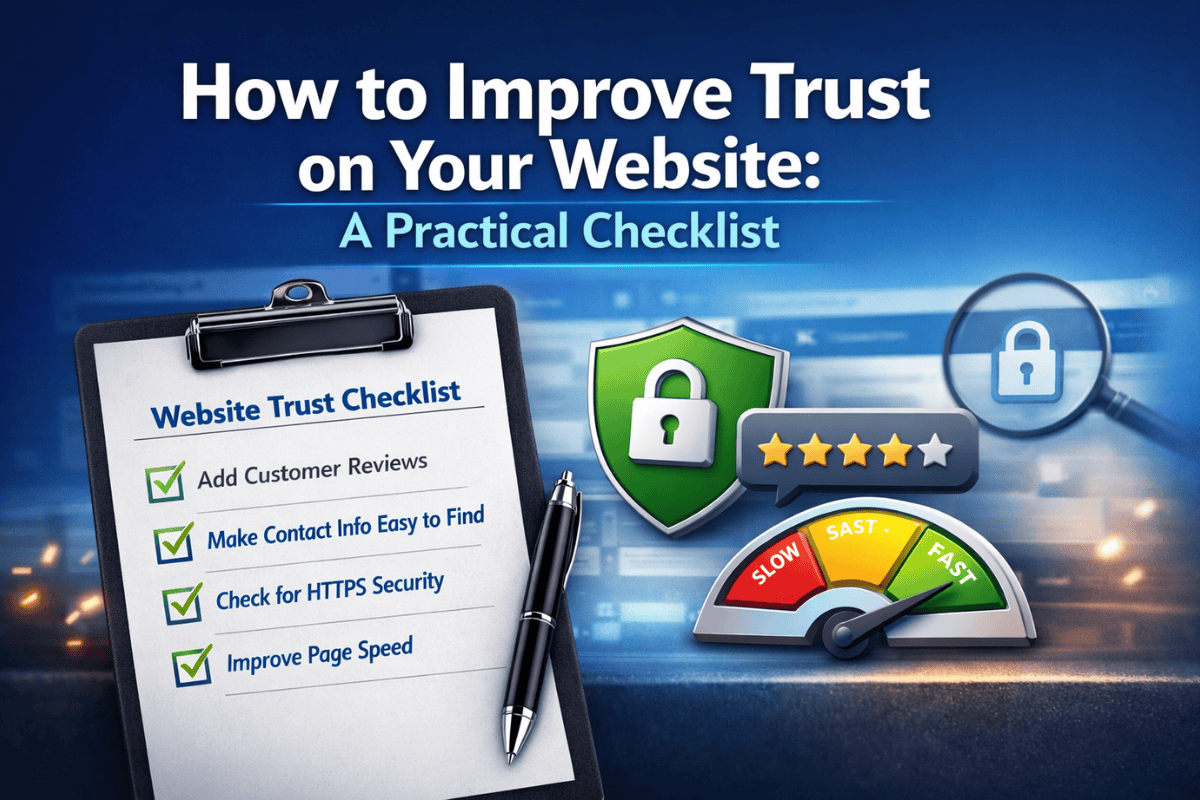
How to Improve Trust on Your Website: A Practical Checklist
If you want to strengthen trust on your website, the best approach is to focus on small, high-impact improvements that enhance the overall experience.
Quick Wins You Can Implement Right Away
- Add customer reviews or testimonials to key pages
- Ensure your contact information is easy to find
- Check that your website uses HTTPS
- Improve page load speed
Long-Term Improvements
- Update your design to reflect modern standards
- Create helpful content that answers customer questions
- Improve navigation and site structure
- Regularly maintain and update your website
By combining quick fixes with long-term improvements, you can create a website that consistently builds trust and supports your business growth.
If you are unsure where to start, reviewing your site alongside proven SEO strategies can help identify opportunities to improve both trust and performance.
Ready to Build a Website That Instantly Earns Trust?
Your website has one job: to turn visitors into customers. If it fails to build trust quickly, even strong traffic will not translate into real results.
By improving key areas such as design, social proof, transparency, security, and content, you can create a website that not only looks credible but also encourages action. These changes do not require guesswork. They require a clear strategy and the right execution.
If your website is not generating consistent leads, there is a strong chance that trust gaps are holding it back. Identifying and fixing those gaps can make a measurable difference in how visitors respond to your business.
Take the next step: Book a strategy consultation to evaluate your website and discover how to improve trust, increase conversions, and turn more visitors into customers.
Schedule your strategy consultation here
SEO FAQ: Website Features That Build Trust
What website features build trust the fastest?
The most effective trust-building features include social proof, professional design, clear contact information, strong security, and helpful content. These elements work together to create a reliable experience.
Why is trust important for website conversions?
Trust reduces hesitation and makes visitors more likely to take action. Without trust, even well-designed websites struggle to generate leads.
How do online reviews impact trust?
Online reviews show real customer experiences, which helps validate your business and build confidence with new visitors.
What makes a website look credible?
A credible website has a clean design, clear messaging, visible contact information, and strong trust signals such as testimonials and security features.
How can I improve trust on my website quickly?
You can improve trust by adding testimonials, making your contact information more visible, improving page speed, and ensuring your website is secure.
Do trust badges really help?
Yes. Trust badges such as security seals or certifications, can reassure visitors that your website is safe and reliable.
How does website security affect user trust?
A secure website protects user data and prevents browser warnings. This makes visitors feel more comfortable interacting with your site.
What role does website design play in trust?
Design is often the first impression visitors have. A modern and clean layout builds confidence, while poor design can cause visitors to leave quickly.
How does content help build trust with visitors?
Helpful content shows that you understand your audience and can provide value. This builds confidence and positions your business as reliable.
Why do visitors leave a website without taking action?
Visitors often leave due to a lack of trust, poor design, slow performance, or missing information. Addressing these issues can improve engagement and conversions.
Conclusion
Building trust on your website is not about a single feature. It is the result of multiple elements working together to create a consistent and reliable experience for your visitors.
When your website combines strong design, clear information, social proof, security, and helpful content, it becomes a powerful tool for growing your business. Visitors feel more confident, stay longer, and are more likely to take action.
If you focus on improving these areas, you can create a website that not only attracts visitors but also turns them into real customers.